
Not all strips are equal
Bias lighting needs color consistency and a stable white point. Effect-driven RGB strips are built for spectacle, not comfort.
/en/guides
Common misconceptions about monitor lighting, bias lighting, and ambient light that lead to bad setups and wasted money.
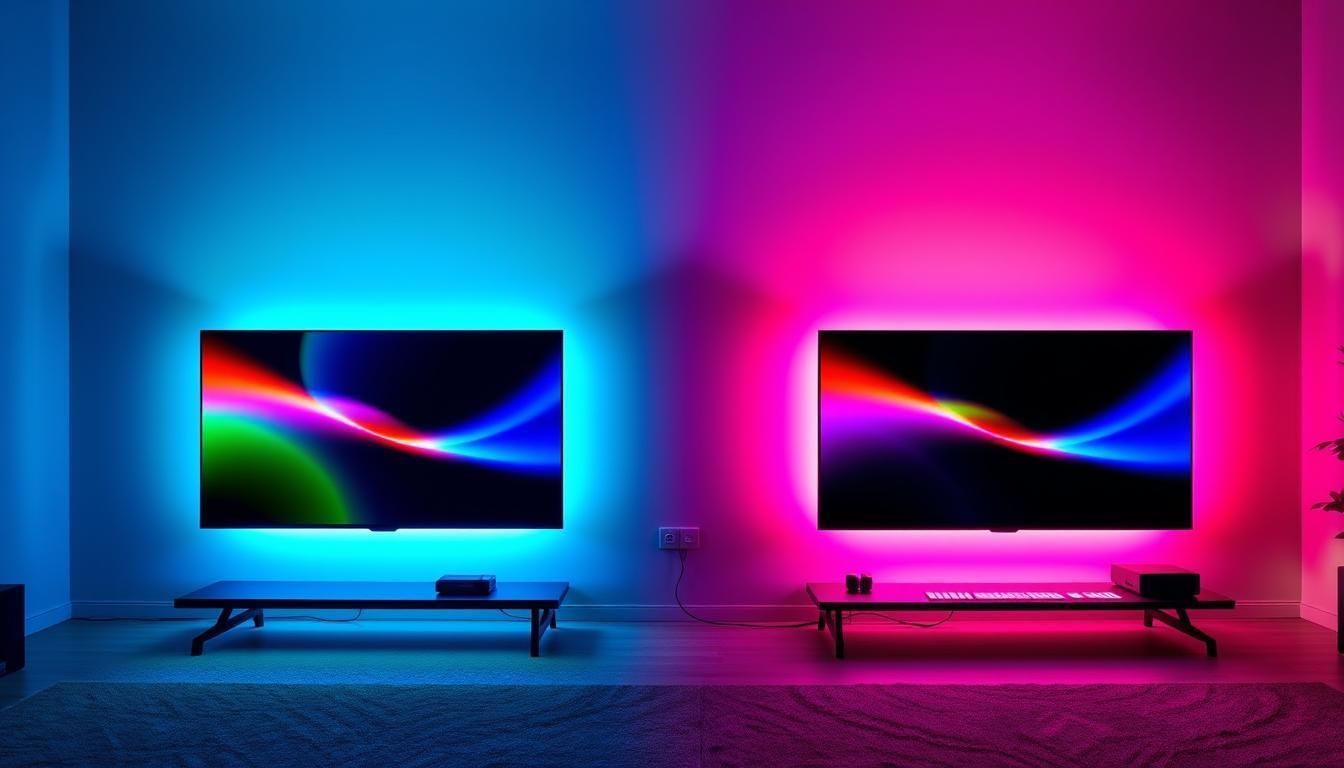
Bias lighting needs color consistency and a stable white point. Effect-driven RGB strips are built for spectacle, not comfort.
If the light draws attention to itself, it is too bright. Bias lighting should support the screen, not compete with it.
Choose software based on whether comfort or spectacle is your goal. The same tool rarely excels at both.
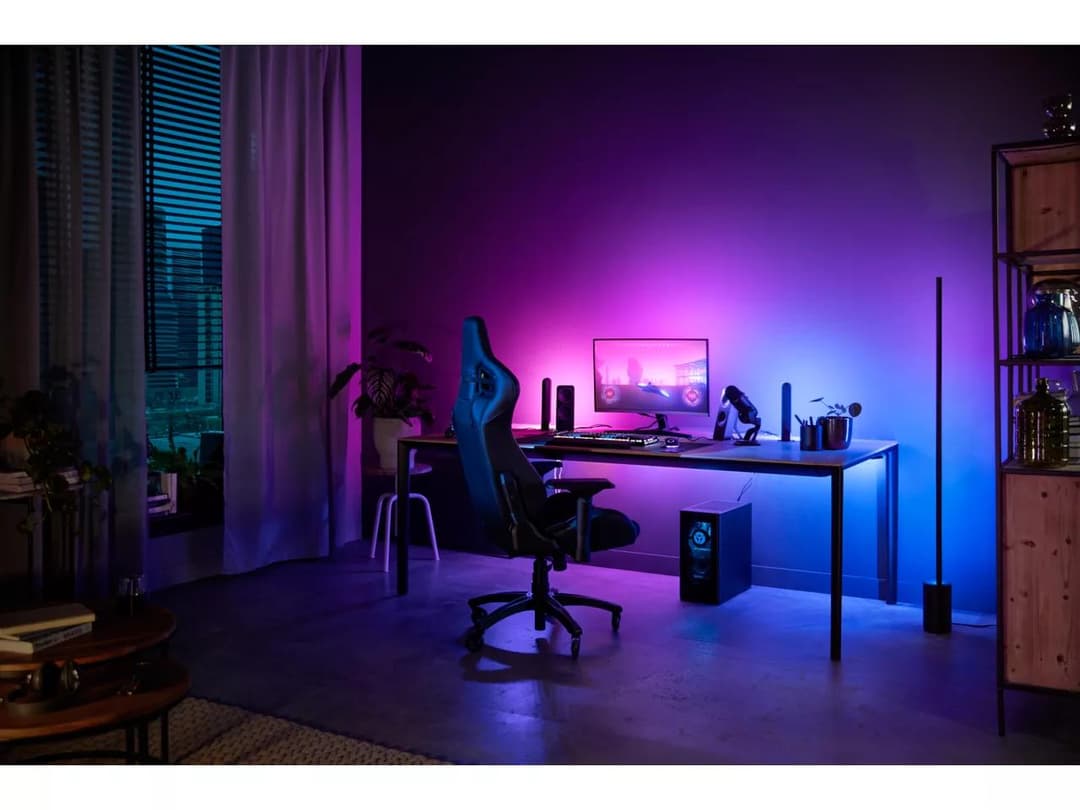
One of the most persistent myths is that adding more light behind the monitor always improves the effect. In reality, bias lighting that is too bright creates glare, increases eye strain, and washes out the perceived contrast of the display — the exact opposite of what you want.
The optimal bias light is subtle. It should raise the surround brightness just enough to reduce the contrast gap without drawing attention to itself. If you can clearly see the light strip in your peripheral vision, it is likely too bright.
Not all LED strips produce the same quality of light. Cheap RGB strips often have visible color banding, inconsistent color temperature, and bright hotspots at each LED. These artifacts are fine for decorative effects but actively harmful for bias lighting, where consistency matters more than color variety.
For true bias lighting, you want a strip with good color uniformity, a stable white point around 6500K, and enough density that the individual LEDs blend into a smooth glow on the wall. Effect-first RGB strips prioritize color range over these qualities.
This misconception comes from the marketing around RGB products, which almost always target gamers. In practice, bias lighting benefits office workers, programmers, designers, and anyone who spends long hours in front of a monitor — especially during evening or nighttime sessions.
The underlying principle — reducing contrast between the display and its surroundings — applies regardless of what is on screen. A programmer reading white text on a dark IDE theme gets the same comfort benefit as a gamer playing a dark AAA title.
Backlighting generally refers to any light placed behind the display, including decorative RGB strips, TV backlights that run static colors, and bias lighting specifically designed to reduce contrast. They share a physical placement but serve very different purposes.
Bias lighting is a subset of backlighting optimized for visual comfort. It uses controlled color temperature, restrained brightness, and a focus on even wall illumination. Calling any backlight "bias lighting" blurs an important distinction that affects whether a setup actually helps your eyes.
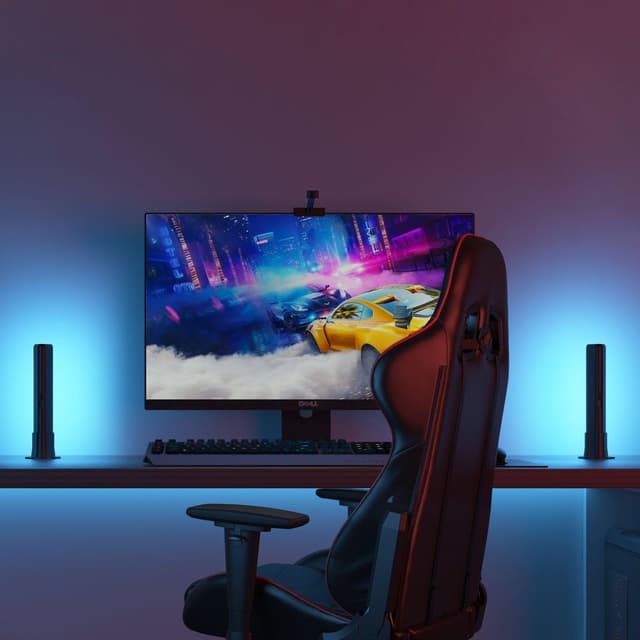
Plan the right screen position, backlight intensity, and desk placement for better immersion and comfort.
Read guide →
Understand where real-time bias lighting differs from effect-first RGB ecosystems.
Read guide →
Learn how properly calibrated bias lighting reduces contrast fatigue and supports longer, more comfortable monitor sessions.
Read guide →
Practical guidance on wall color, monitor distance, LED strip placement, and room layout for the best ambient light experience.
Read guide →
Common misconceptions about monitor lighting, bias lighting, and ambient light that lead to bad setups and wasted money.
Read guide →