
Behind the display
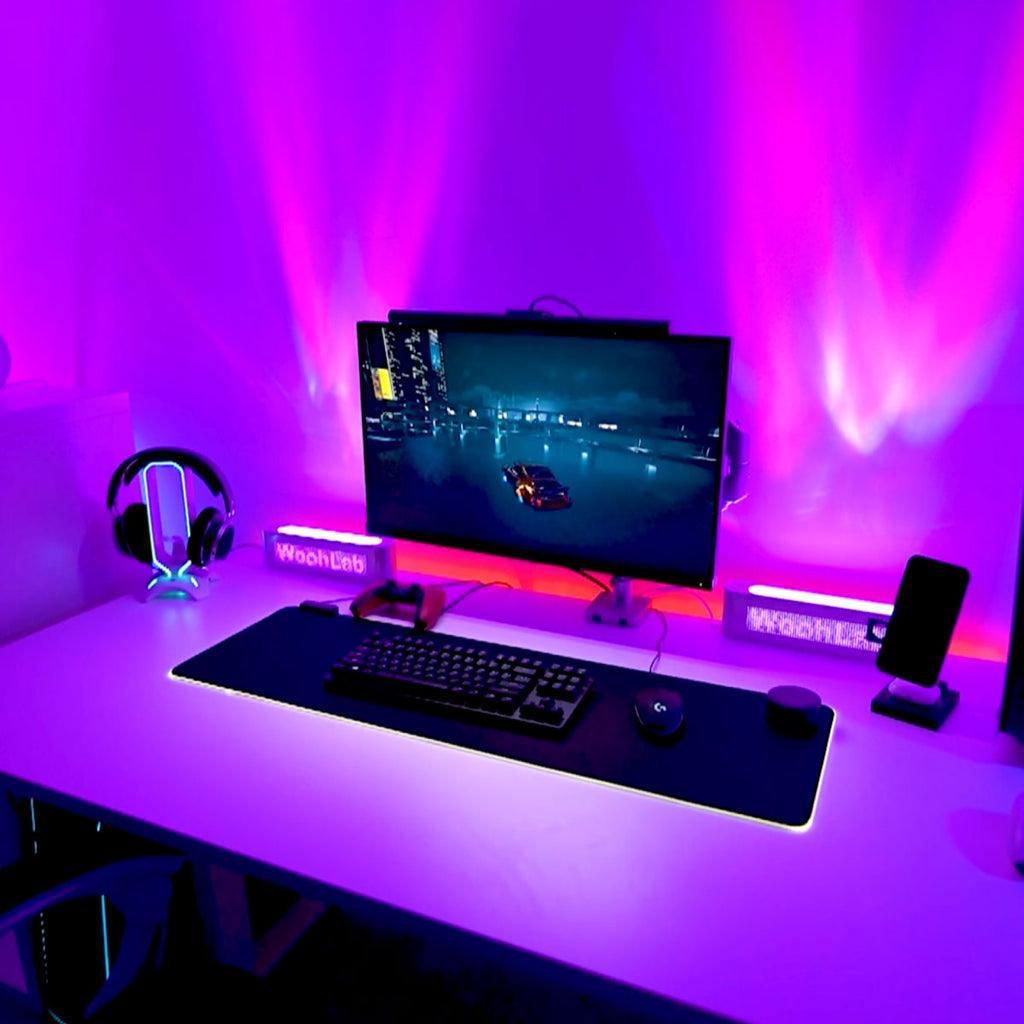
Place the light source behind the monitor so it illuminates the wall, not your eyes. The glow should be indirect and even.
/en/guides
Learn how properly calibrated bias lighting reduces contrast fatigue and supports longer, more comfortable monitor sessions.
Place the light source behind the monitor so it illuminates the wall, not your eyes. The glow should be indirect and even.
Raise the wall brightness to roughly 10% of the display luminance. The goal is to shrink the contrast gap, not to match the screen.
For eye comfort, choose software that maintains consistent color temperature and avoids sudden brightness spikes during dark scenes.
Staring at a bright screen in a dark room forces your eyes to constantly adjust between the bright display and the dark surroundings. This repeated pupil constriction and dilation creates the muscle fatigue that most people recognize as eye strain.
The problem is not the screen itself — it is the contrast gap between the screen and the room. A 300-nit display in a near-zero ambient room creates a luminance ratio that your visual system was not designed to handle for extended periods.
Bias lighting places a controlled light source behind the monitor so that the wall behind the screen emits a soft, even glow. This raises the ambient brightness around the display without shining light directly at your eyes, reducing the contrast ratio between the screen and its surroundings.
When the contrast gap shrinks, your pupils stabilize. Fewer constant adjustments mean less ciliary muscle fatigue, less squinting, and fewer headaches. The effect is subtle but measurable over multi-hour sessions.
Studies on bias lighting and visual comfort consistently show that adding background illumination behind a display reduces perceived eye strain. The key variable is not brightness alone but the ratio between the display and its surround — aiming for roughly 10:1 or lower improves comfort significantly.
In practice, users who add calibrated ambient light to their setup report fewer headaches, less dry-eye discomfort, and longer productive sessions. The improvement is most noticeable during evening and nighttime use when the room is darkest.
The goal of bias lighting for eye comfort is a subtle, even glow — not a color show. Use a neutral or slightly warm white (around 6500K), keep brightness low enough that it supports the screen without competing with it, and make sure the light is behind the display, not in front of it.
Software like Skydimo can maintain consistent color temperature while syncing brightness to your display, which prevents the wild luminance swings that happen with effect-driven RGB setups during dark game scenes.
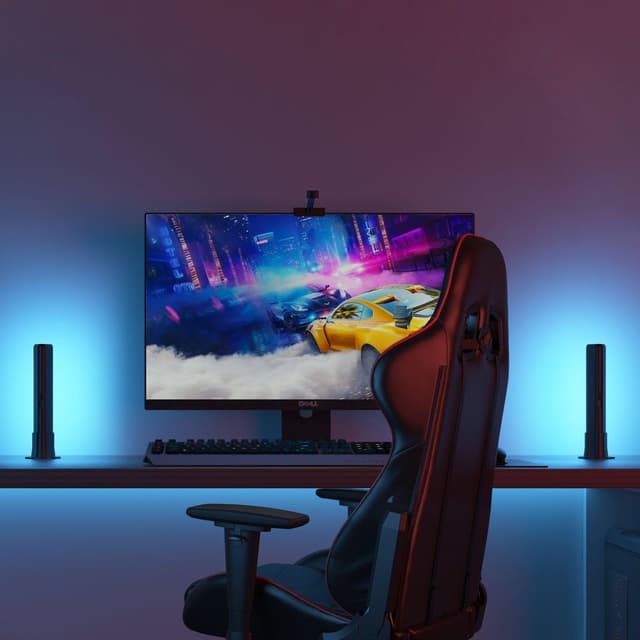
Plan the right screen position, backlight intensity, and desk placement for better immersion and comfort.
Read guide →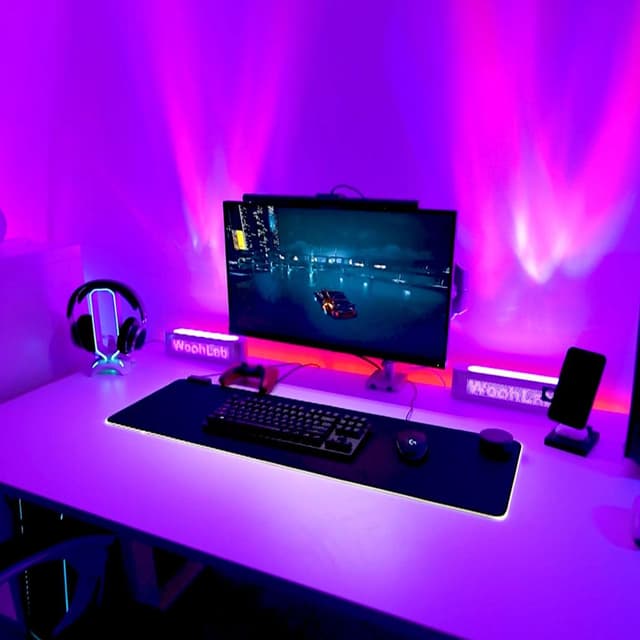
Understand where real-time bias lighting differs from effect-first RGB ecosystems.
Read guide →
Learn how properly calibrated bias lighting reduces contrast fatigue and supports longer, more comfortable monitor sessions.
Read guide →
Practical guidance on wall color, monitor distance, LED strip placement, and room layout for the best ambient light experience.
Read guide →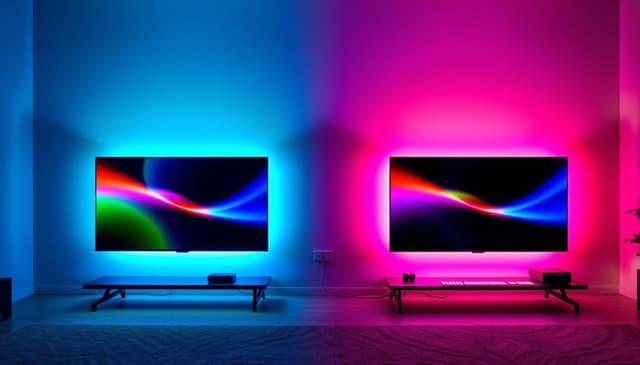
Common misconceptions about monitor lighting, bias lighting, and ambient light that lead to bad setups and wasted money.
Read guide →