
Wall and gap
Use a light, matte wall surface and keep 8–15 cm between the monitor and the wall for even light spread.
/en/guides
Practical guidance on wall color, monitor distance, LED strip placement, and room layout for the best ambient light experience.
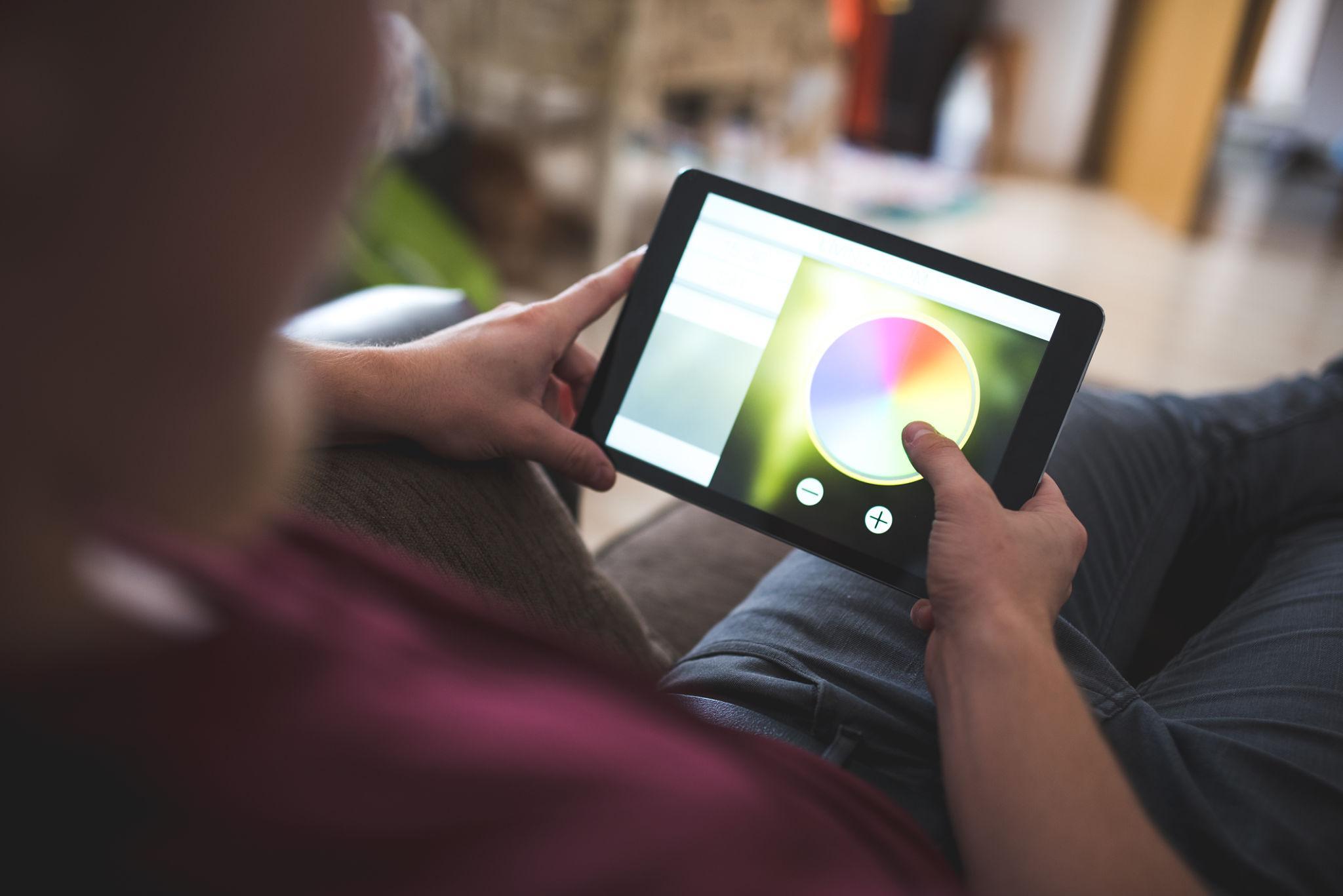
Use a light, matte wall surface and keep 8–15 cm between the monitor and the wall for even light spread.
Do not rely on bias light alone. Maintain a low ambient baseline in the room for the best comfort results.
Create separate brightness profiles for different times of day. The same setting will feel too bright at night and too dim during the day.
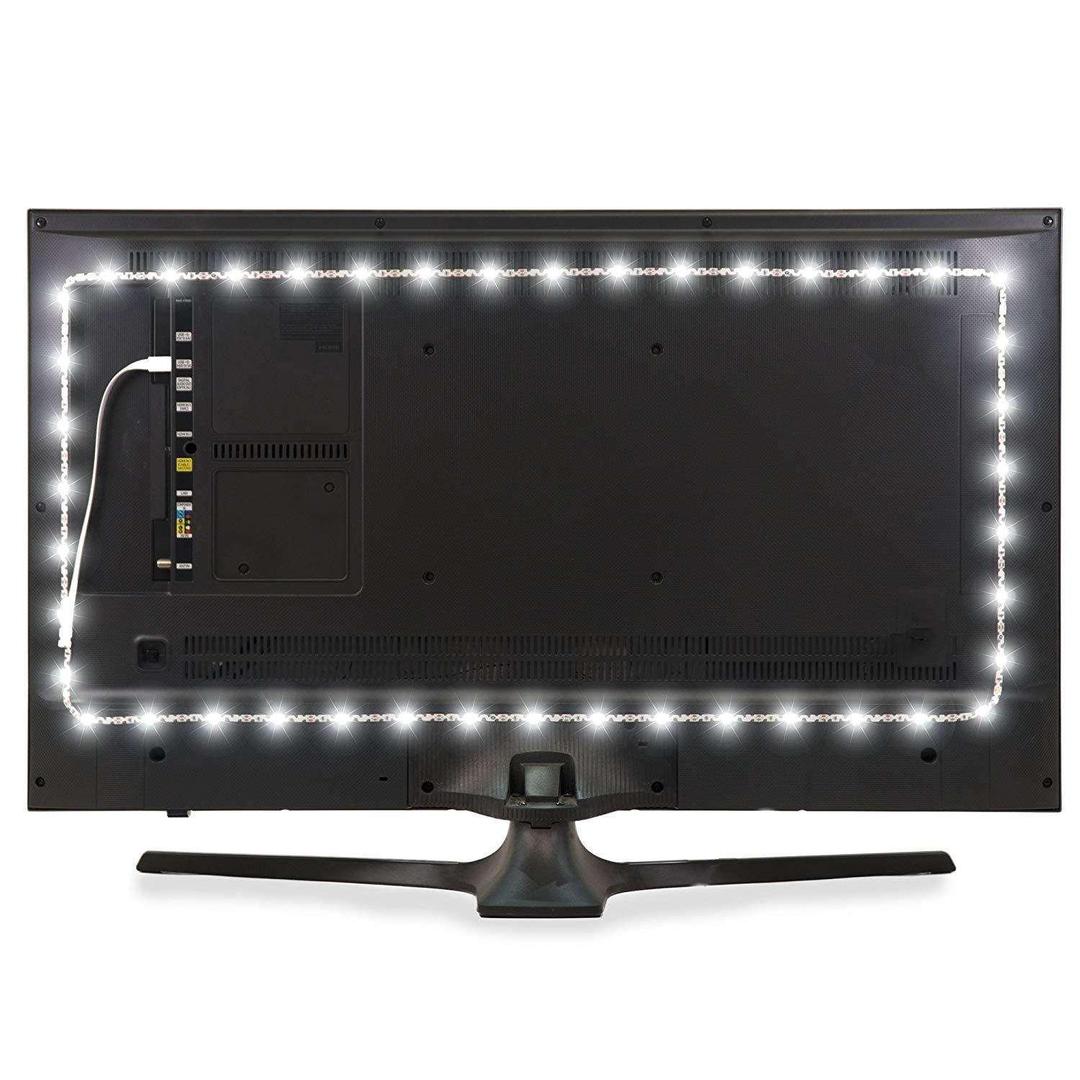
The quality of your ambient light depends less on the LED strip you buy and more on how your room reflects and spreads that light. A perfectly placed strip on a matte light wall will produce a better glow than an expensive strip on a glossy dark surface.
Before shopping for hardware, take a few minutes to evaluate your wall material, the distance between the monitor and the wall behind it, and the overall brightness of the room during your typical usage hours.
Light, matte walls are the ideal surface for ambient light. White and light gray walls reflect the glow evenly, creating a smooth halo behind the monitor. Dark or glossy walls absorb or scatter the light, creating hotspots or reducing the visible effect.
If repainting is not an option, you can improve results by placing a light-colored poster board or foam panel on the wall behind the monitor. Even a temporary matte surface makes a noticeable difference in how the light spreads.
Keep 8 to 15 cm between the back of the monitor and the wall. This gap gives the light room to spread before it reaches the wall surface, producing a softer, more uniform glow. A monitor pushed flat against the wall will create a narrow, concentrated strip of light.
For ultrawide monitors, consider extending the LED strip a few centimeters beyond each edge of the display. This ensures the glow wraps around the full width of the screen rather than falling off at the edges.
Your ambient light setup works best when the rest of the room is not completely dark. A small desk lamp, a dimmed ceiling light, or even a daylight window helps maintain a comfortable baseline so the bias lighting is not the only source in the room.
If you use the setup at different times of day, create two brightness presets: one for daytime with higher overall brightness and one for evening that keeps the bias light gentle enough for comfortable extended sessions.
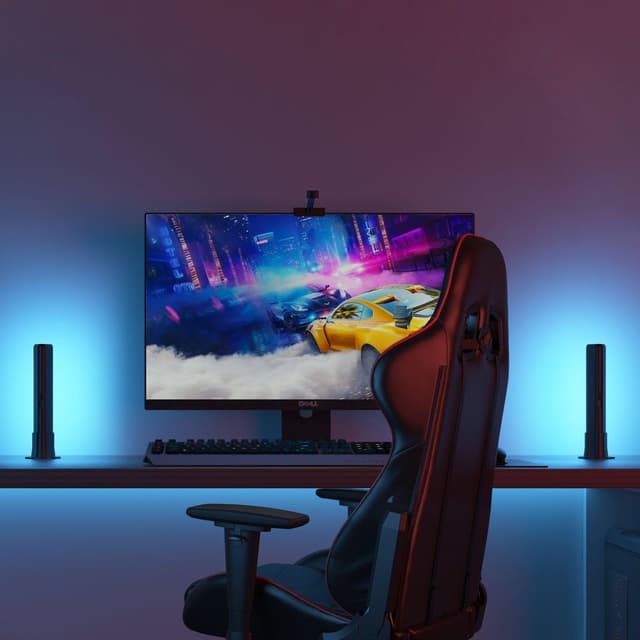
Plan the right screen position, backlight intensity, and desk placement for better immersion and comfort.
Read guide →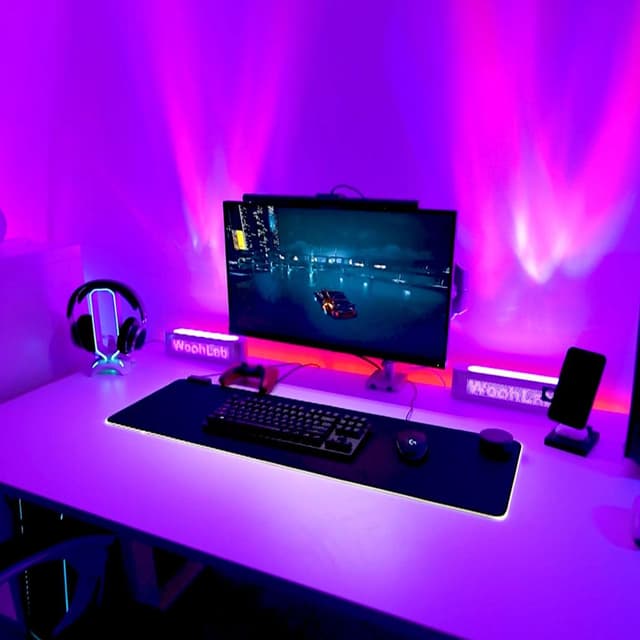
Understand where real-time bias lighting differs from effect-first RGB ecosystems.
Read guide →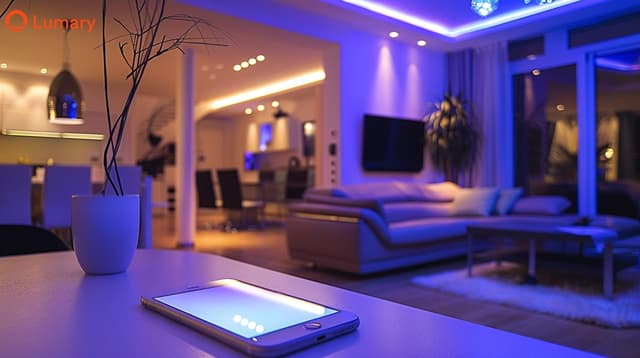
Learn how properly calibrated bias lighting reduces contrast fatigue and supports longer, more comfortable monitor sessions.
Read guide →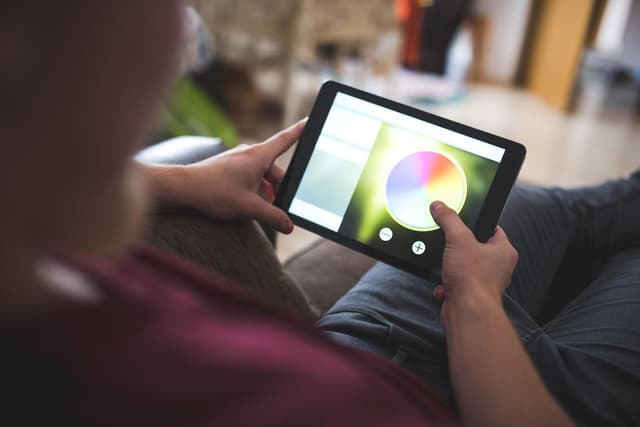
Practical guidance on wall color, monitor distance, LED strip placement, and room layout for the best ambient light experience.
Read guide →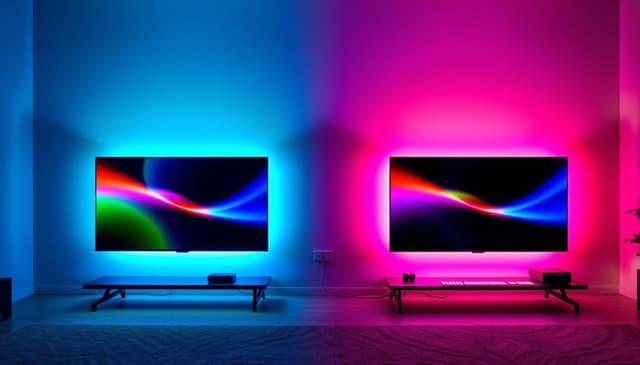
Common misconceptions about monitor lighting, bias lighting, and ambient light that lead to bad setups and wasted money.
Read guide →