
Placement first
Leave enough wall space behind the monitor so the glow spreads evenly instead of creating hotspots.
/en/guides
Build a setup that balances immersion, brightness comfort, and desk placement instead of chasing stronger RGB output alone.
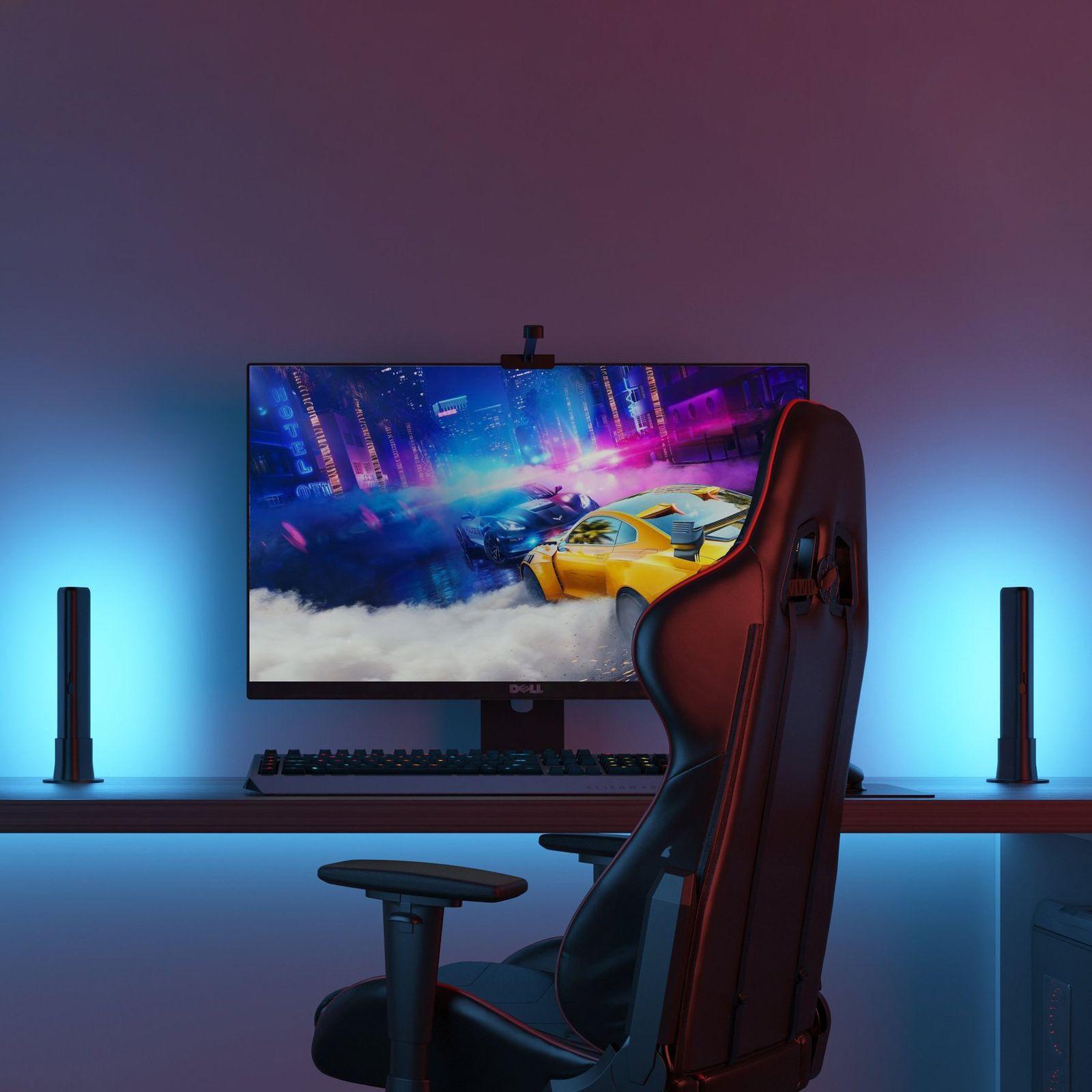
Leave enough wall space behind the monitor so the glow spreads evenly instead of creating hotspots.
Keep the light supportive and comfortable rather than turning it into a dominant effect source.
Choose the software path that matches your real goal: fidelity, effects ecosystem, or control.
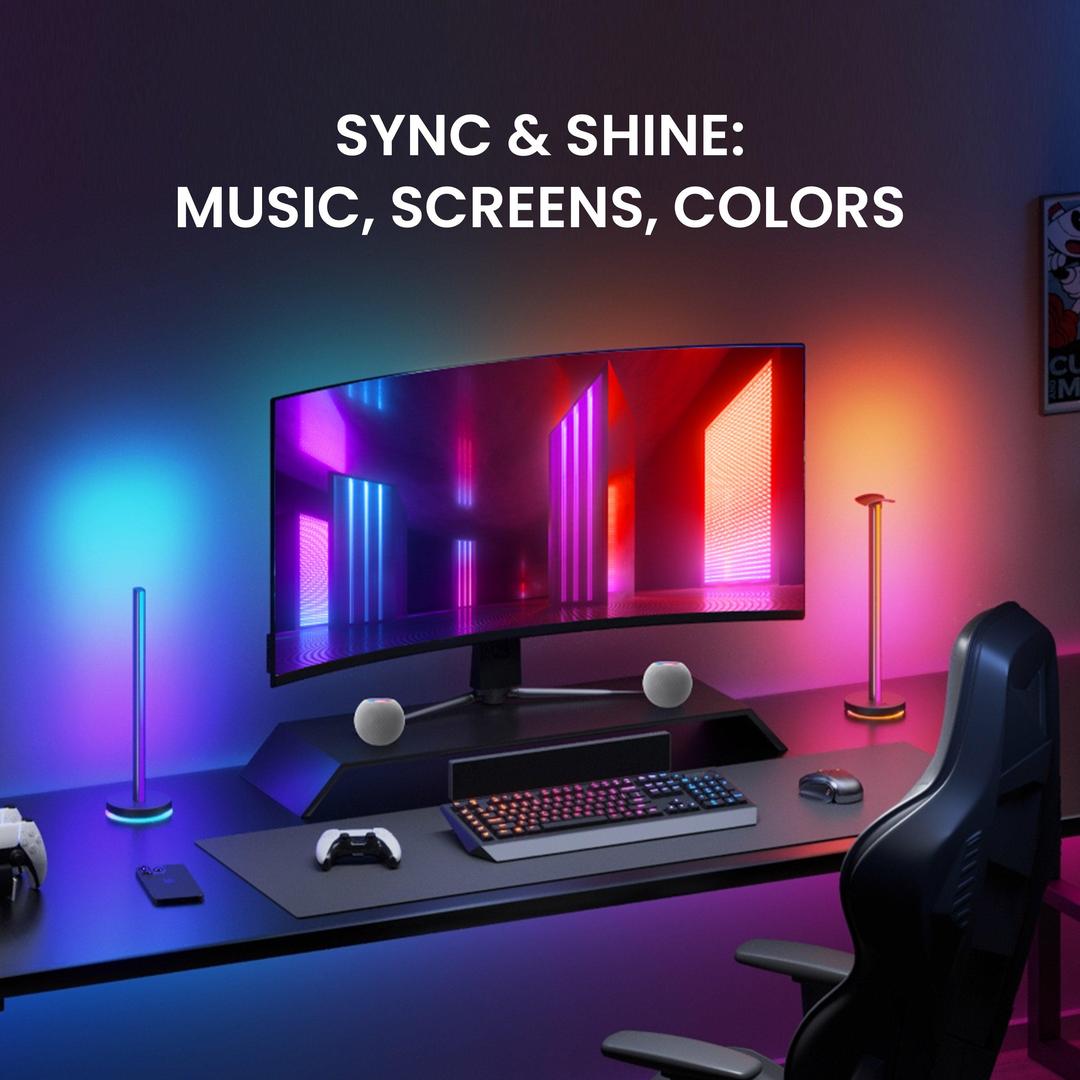
Monitor ambient light works best when the light is treated as an extension of the screen, not as a separate decorative effect.
The strongest first-step gains usually come from correct placement behind the monitor, restrained brightness, and choosing software that matches your real goal.
Leave enough wall clearance so the glow can spread evenly. A cramped placement often creates hot spots and reduces the comfortable bias-light effect.
For a first version of the site, this section shows how guides should mix explanation with actionable setup advice instead of generic filler copy.
Ambient light should support the screen, not overpower it. A softer glow often improves long-session comfort more than high-saturation lighting.
In dark rooms, aim for consistency between room brightness and display brightness so contrast feels less abrupt.
Choose Skydimo when you care about ambient-light fidelity, SignalRGB for effect-rich RGB ecosystems, and OpenRGB for open-source control-first workflows.
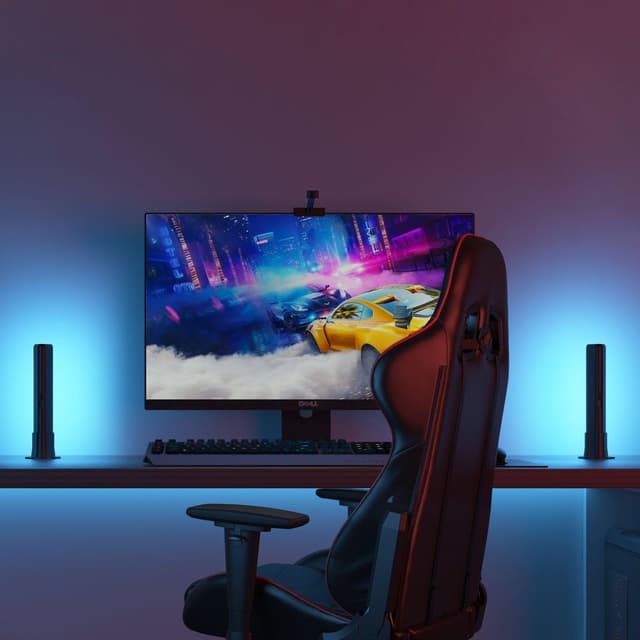
Plan the right screen position, backlight intensity, and desk placement for better immersion and comfort.
Read guide →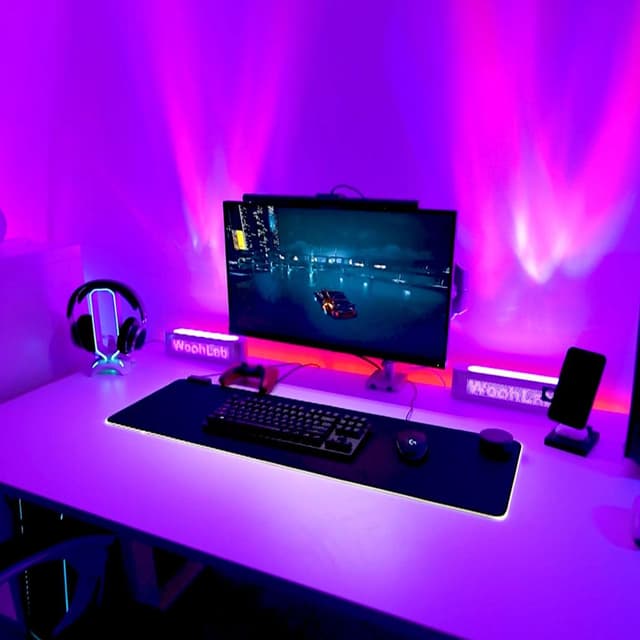
Understand where real-time bias lighting differs from effect-first RGB ecosystems.
Read guide →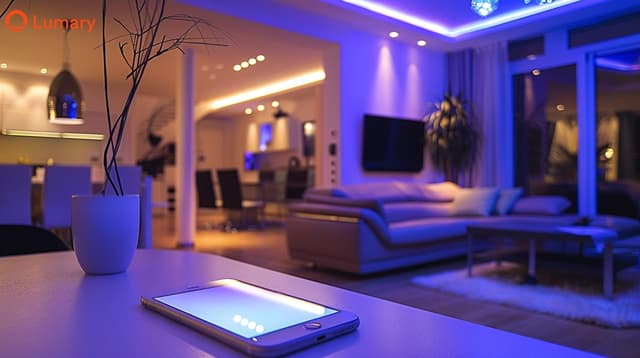
Learn how properly calibrated bias lighting reduces contrast fatigue and supports longer, more comfortable monitor sessions.
Read guide →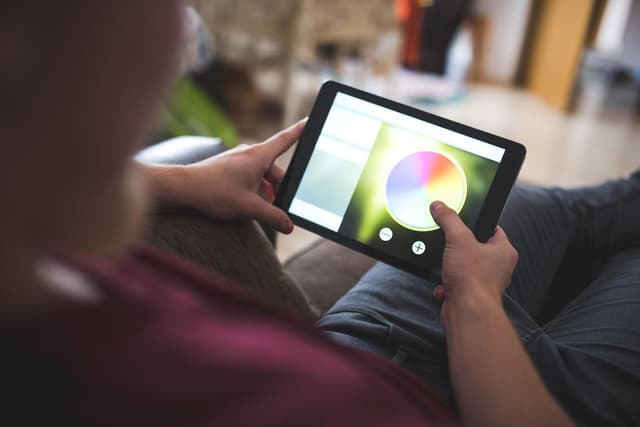
Practical guidance on wall color, monitor distance, LED strip placement, and room layout for the best ambient light experience.
Read guide →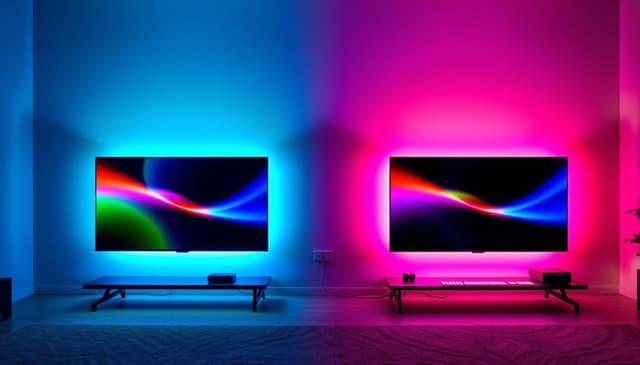
Common misconceptions about monitor lighting, bias lighting, and ambient light that lead to bad setups and wasted money.
Read guide →